How to Redeem Hooked! Codes
Paste TRAITFORGING into the Code box under the gear and press Claim. Three guides agree on that path. Checked 2026-11-13.
Last checked:
Roblox Den says the codes are case sensitive, so I copy the letters exactly as printed on the codes page. A space at the end is enough to fail Claim.
Beebom adds a server check: after an update, an old server can still be running the previous build, and a new code will fail there. Leave and join a fresh server, then try again. RoCodes adds that each code works once per account, and that an old client should be closed and reopened.
One guide, BloxGuidesGG, says the box sits on the main menu behind a Codes or Twitter icon. I do not merge that into the steps. Three other writeups say the gear in the top-right. If your screen shows the icon instead of the gear, use the icon and tell me from the contact page.
Phone and console layouts are not described separately in any of these guides. I only know the writers said “top-right of the screen.” If your device hides the gear, look for Settings before you assume the code is dead.
- Launch Hooked! from the Roblox experience page.
- Open the gear icon in the top-right (Settings).
- Type or paste the code into the Code box.
- Press Claim and wait for the reward line.
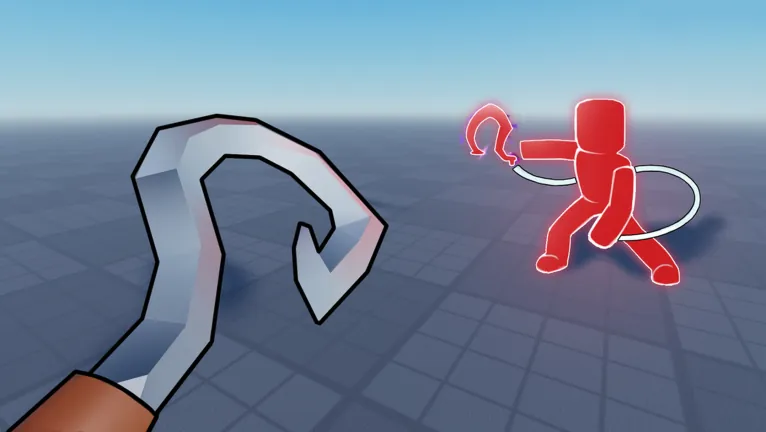
Video
The video stays off this page until you press play. It opens on the privacy-enhanced player.
Related
Questions
Why does a working code say invalid?
The usual causes are a typo, a code you already claimed, an expired code, or an old server that has not picked up the update. Copy the code, rejoin, and try once.
Can I redeem on mobile?
The guides describe the top-right gear and do not publish a separate mobile layout. Use Settings if the gear is tucked into a menu.
Sources
- Roblox Den codes — checked 2026-11-13
- Beebom codes — checked 2026-11-12
- All Roblox Codes Wiki — checked 2026-11-13
- RoCodes — checked 2026-11-13
- BloxGuidesGG — checked 2026-11-12